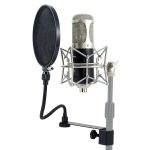
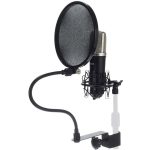
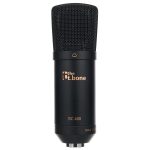
the t.bone GZ 1 USB


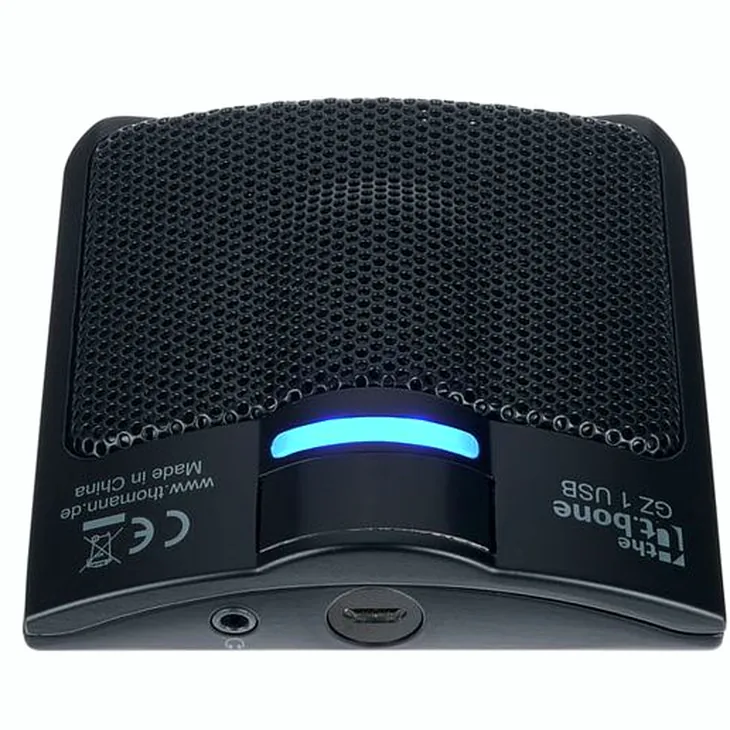
Specifics of model the t.bone GZ 1 USB
- Sensitivity -54 dB (1 kHz, 0 dB = 1 V / u,bar)
- Frequency range: 50 – 18,000 Hz
- Sample rate: 48,000 Hz
- Resolution: 16 bit
- Power supply via USB
- Mini-jack headphone output
- Micro USB connection
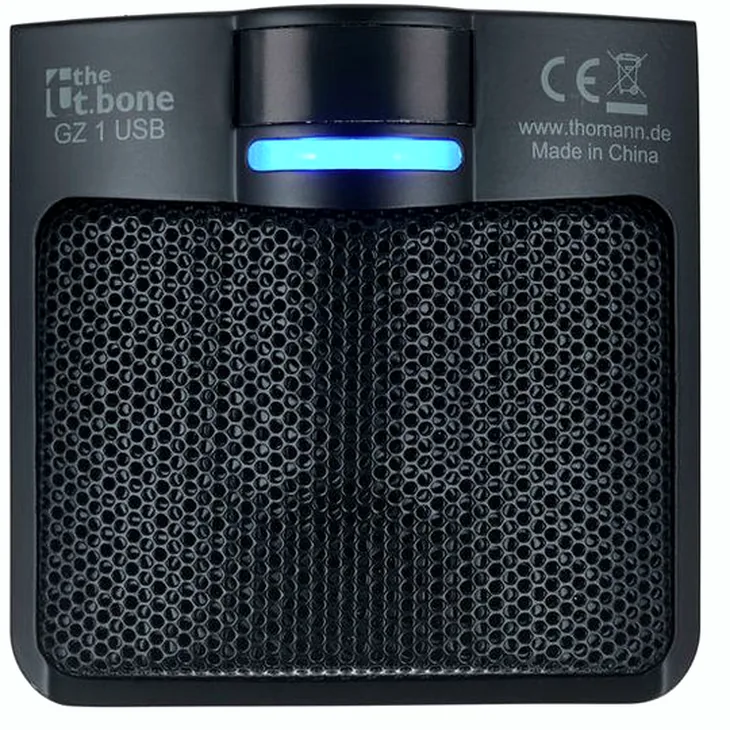
- Dimensions (L x W x H): 90 x 90 x 24 mm
- Colour: Black
- Includes 125 cm micro USB to USB A cable
Images




Additional Information
Customer Review Summary
The t.bone GZ 1 USB
The plug-and-play design makes it accessible for even the most novice users, allowing for easy connection to laptops or PCs. Its sturdy build ensures stability and resilience against vibrations, making it suitable for various environments.
Users have noted that the sound quality is surprisingly good for voice applications, capturing audio effectively from different distances. However, it is worth mentioning that it may not be the best choice for singing or high-fidelity recording demands.
One limitation is its functionality with headphones; it does not operate as an intercom without being connected to a PC, which could be a drawback for some users. Nonetheless, it performs well in video conferencing scenarios, delivering clear audio that is significantly better than built-in microphones.
Overall, the t.bone GZ 1 USB is an excellent choice for quick, hassle-free use, particularly for beginners. It operates smoothly across different operating systems without the need for additional drivers. The only minor annoyance is the constant blue light indicator when the PC is on, which may require unplugging when not in use.
Read more…